E-Surveyor
Inspect the vehicleover video
Survey teams can inspect a vehicle before underwriting or gather evidence for a claim by guiding the customer over a video call.
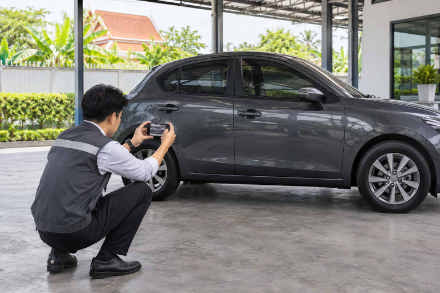
What one inspection captures
- Confirm the person and vehicle
- The customer opens an official link to start the inspection. The representative checks the customer and registration against the vehicle in the request.
- Capture the required angles
- The representative guides the customer through the required angles, capturing the whole vehicle and areas that need closer review, with video as supporting evidence.
- Review the inspection evidence
- Underwriting teams use the images to review vehicle condition. Claims teams use damage images to support assessment and can summarise the inspection for the customer.
What does the reviewer receive after inspection?
For a pre-policy inspection, the owner opens a mobile link. The surveyor guides the vehicle and registration photos. The reviewer then has the evidence together in one case.
- One vehicle inspection report
- The report brings together contact and registration details, vehicle photos, snapshots and call history. A reviewer can revisit a particular angle in the same case.
- A case view for supervisors
- The dashboard shows inspection status. Supervisors can find work in progress and open the report for any vehicle that needs another look.
Frequently asked questions about E-Surveyor
Does a customer need an app for a remote vehicle inspection?
The owner can open the company’s video link in a mobile browser. A surveyor guides the camera angles during the call.
What evidence does a video inspection report include?
The report brings together registration details, vehicle photographs, snapshots and call history so a reviewer can check the vehicle in context.
How do pre-policy and claims inspections differ?
Pre-policy inspections document the vehicle’s condition at the time of review. Claims inspections focus on damaged areas and supporting evidence for the assessor.